Chrome extensionNew
FlakeRadar
Know if a red check is a real failure or a known flake
A Chrome extension that tells you, on a GitHub pull request, whether a failing check is a real failure or a known flake.
One label for each failing check
Open a pull request with a red check and click FlakeRadar. Every failing GitHub Actions job gets a label: Known flake, New failure, Also failing on the default branch, or Not enough history. Checks from other CI systems are not analysed.
Evidence you can read
FlakeRadar reads the repository's own Actions history. A job counts as flaky when it failed and then passed on the same commit. Each label comes with counts, a time window and a date, for example: failed then passed on the same commit on 4 of 120 commits on main in the last 30 days.
Nothing to change in your CI
FlakeRadar runs in your browser and reads api.github.com with a GitHub token that you create and keep on your device. You add no CI config, no secrets and no report uploads. There are no analytics and no telemetry.
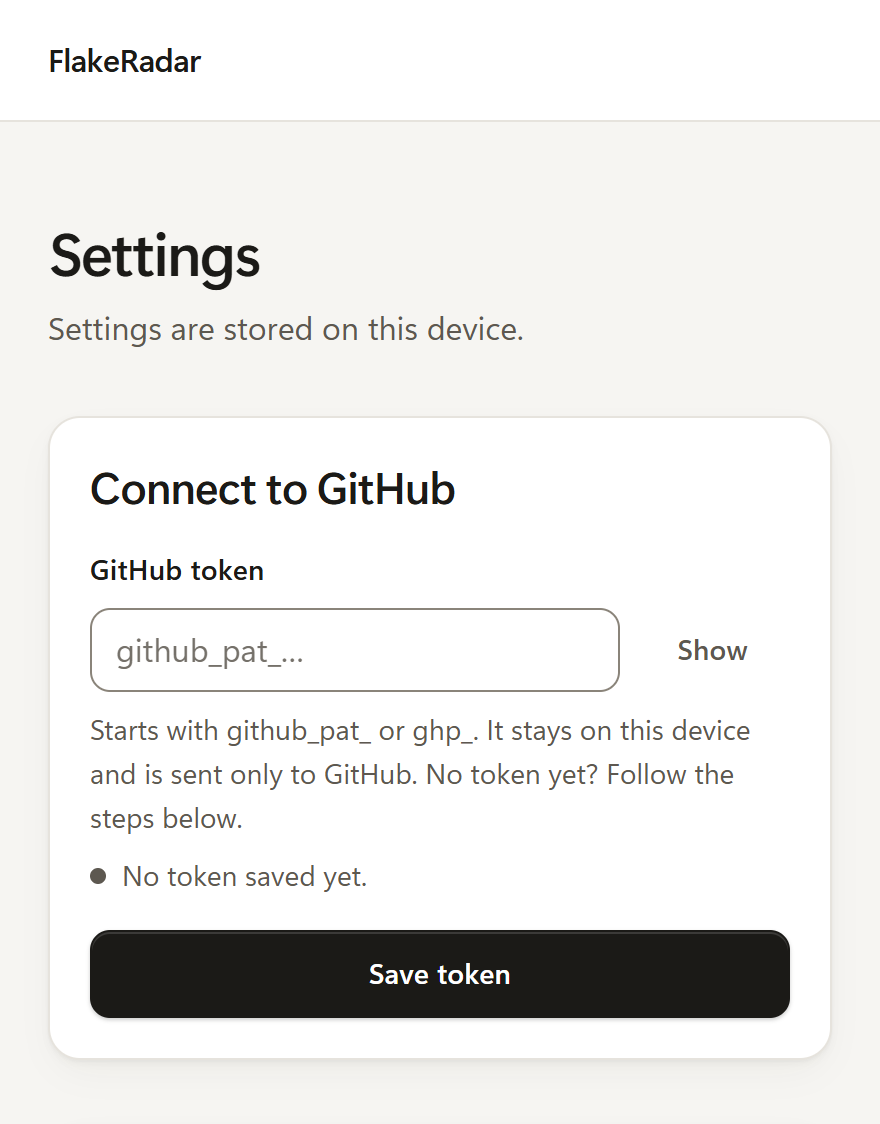
Re-run only when you choose to
On a known flake, a Re-run failed jobs button can start the re-run for you. It is off until you switch it on in the settings, and it needs a token with Actions: Read and write. FlakeRadar sends a re-run only when you click.
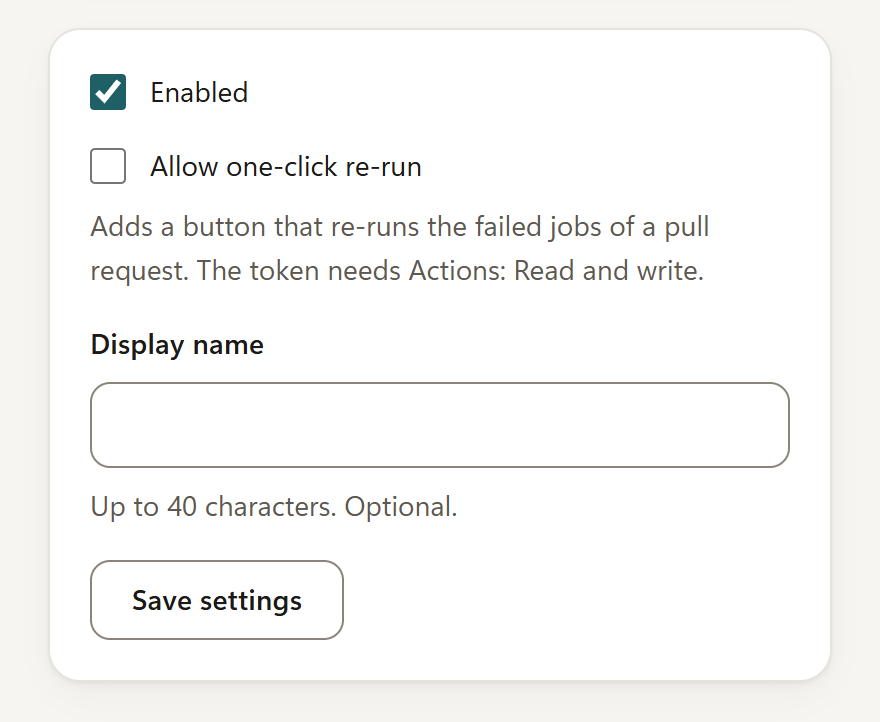
Pricing
-
Free
$0
- Labels for failing checks on public repositories
- 30 days of history
- One-click re-run, if you turn it on
-
Pro
$19/month
- Everything in Free
- Private repositories
- 90 days of history
- Pinned repositories
- A refresh button
- Alerts
Questions
Does a known flake mean the failure is safe to ignore?
No. It means the same job has failed and then passed on one commit before. That is evidence, not a promise. If the failure matters, read the log.
Which GitHub token does it need?
A fine-grained personal access token that you create. For public repositories, choose Public repositories (read-only). For private repositories on Pro, give it read-only access to Actions and Pull requests. The settings page walks you through it.
Does it work with CI systems other than GitHub Actions?
No. Checks from other CI systems are listed as not analysed.
What does FlakeRadar store and send?
Your settings, GitHub token and license key stay on your device, in your browser profile. The token goes only to api.github.com. The privacy policy at /legal/privacy/ has the full list.
Is it on the Chrome Web Store?
Not yet. This page will link to it when it is.
Is FlakeRadar made by GitHub?
No. FlakeRadar is not affiliated with or endorsed by GitHub.